Over the PA you already have. Controlled from any staff iPhone. No cloud, no server, no IT project.
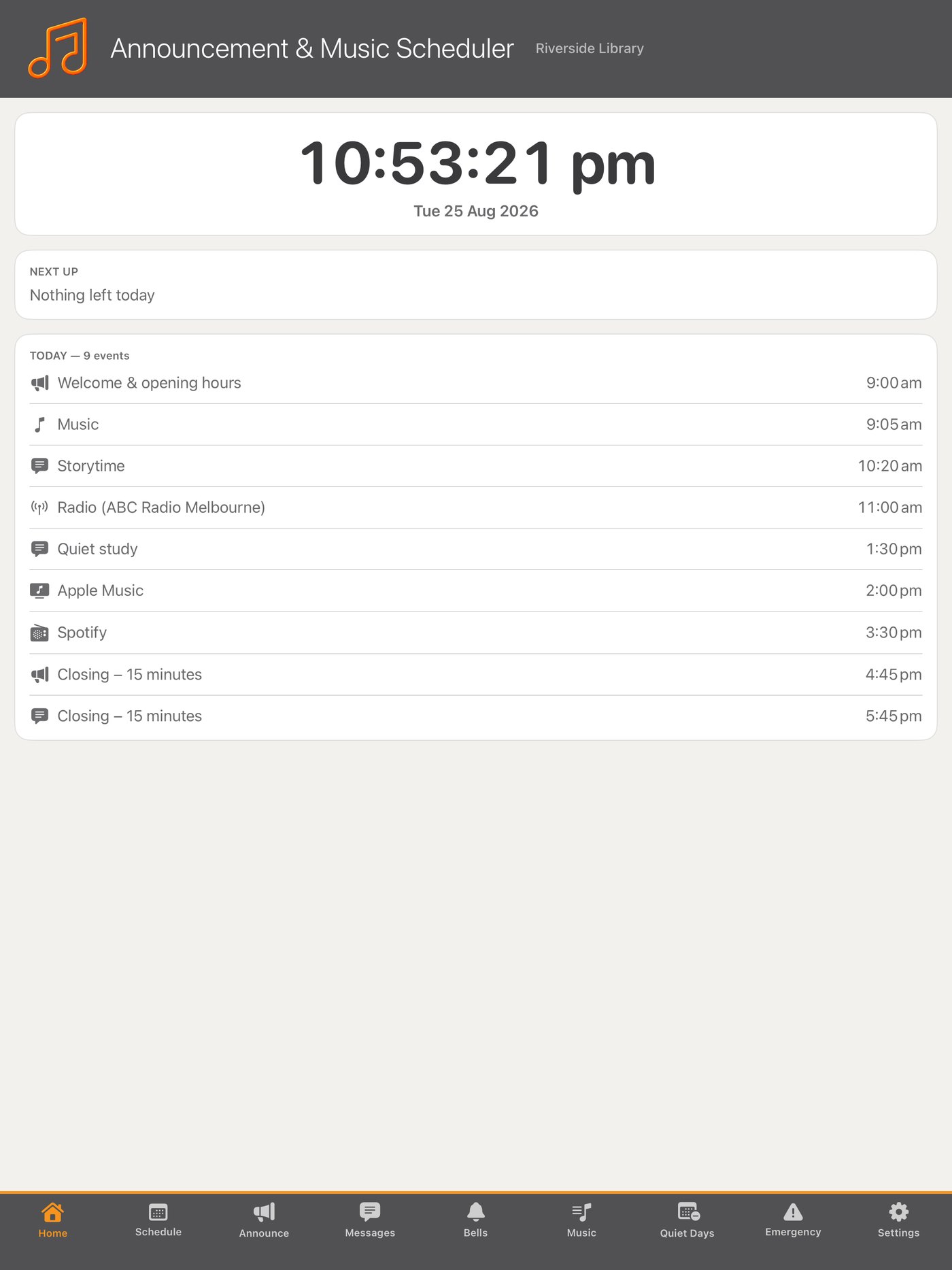
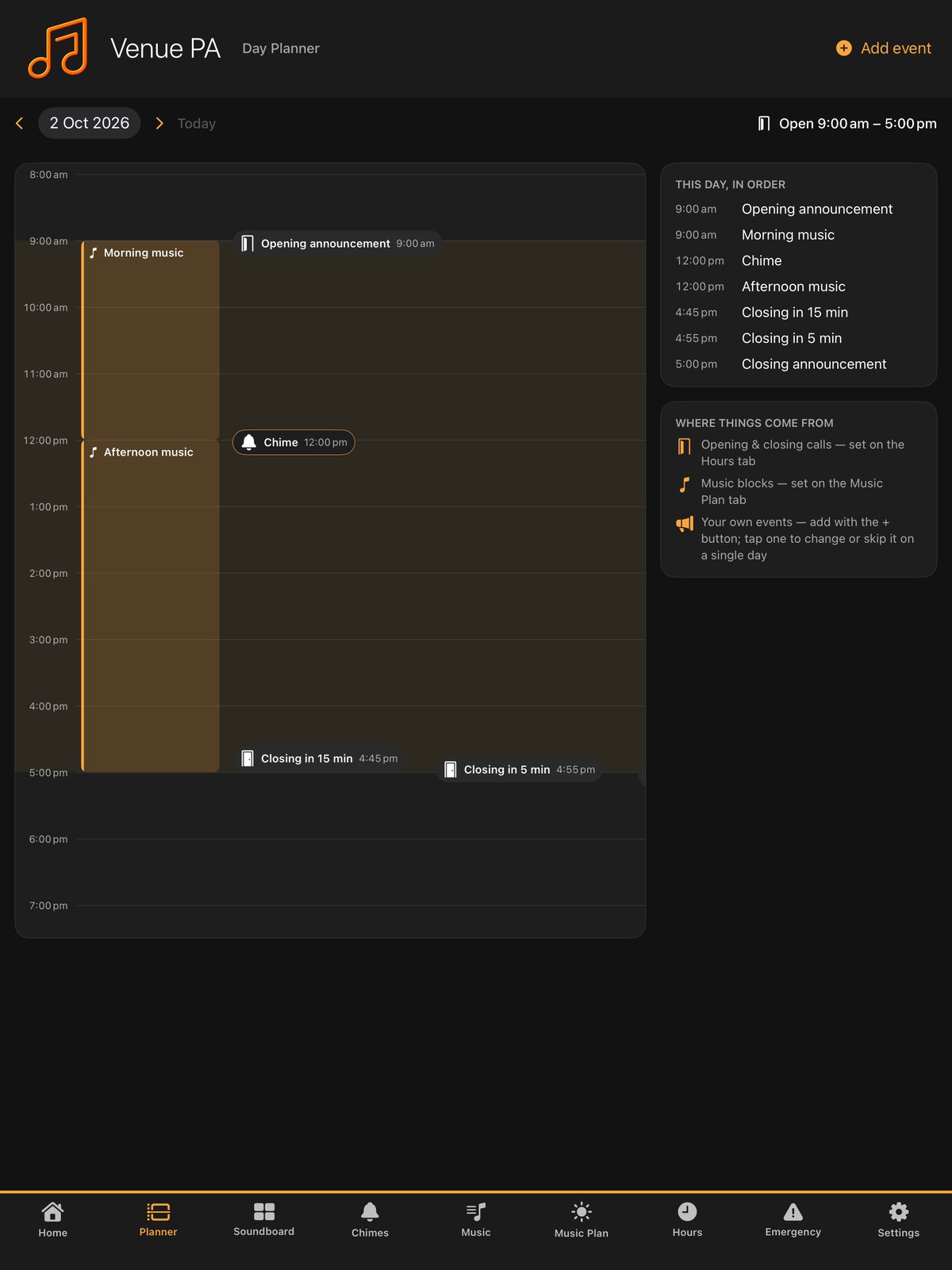
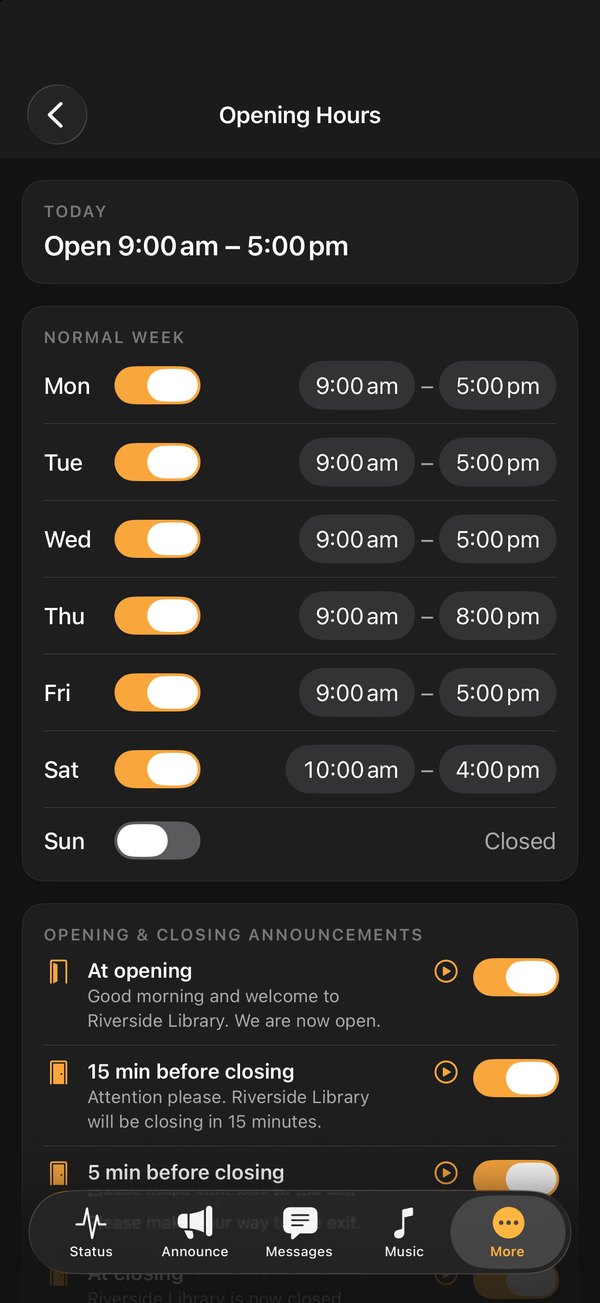
Announcement & Music Scheduler turns an iPad plugged into your amplifier into a complete announcement and music system. Build the weekly timetable once and it runs itself: opening and closing announcements, bells, background music from your own files or Apple Music, Spotify and internet radio. Staff can record and play a live announcement from anywhere on site.
Connecting to your amplifier, building the timetable, recording an announcement, scheduling music, marking quiet days, and using the phone remote.
Prefer to read? See the online manual or the installation guide.
Two apps that find each other on your Wi-Fi. The iPad lives with the amplifier and does all the playing; staff iPhones are remotes. Built for libraries, community centres, gyms, shops, offices, workshops and clubs.
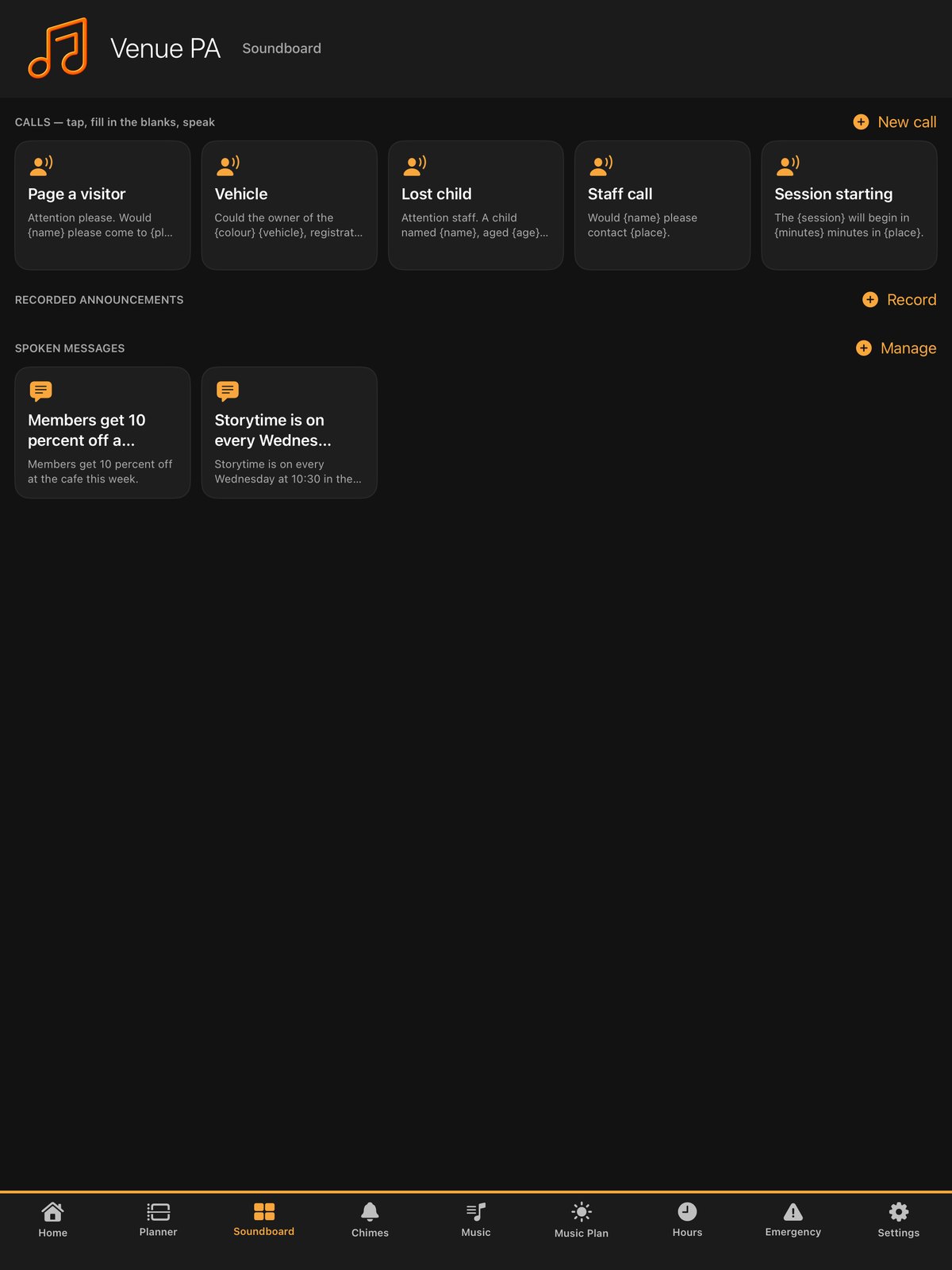
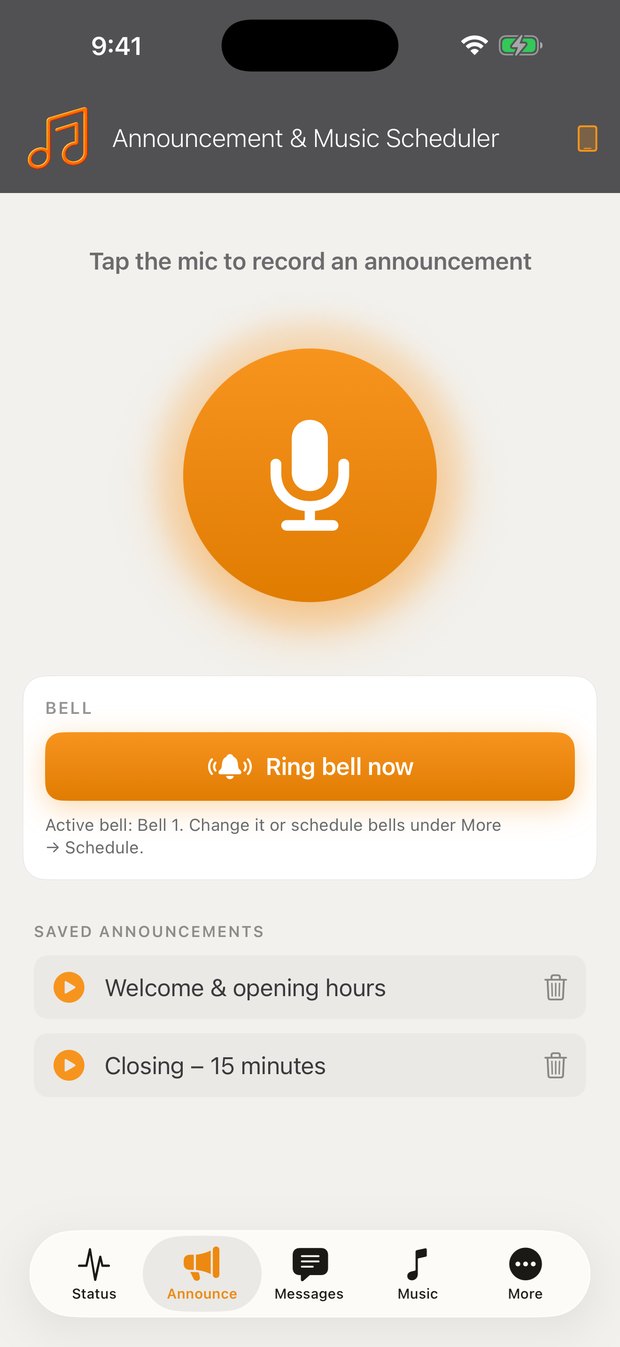
Tap the microphone, speak, and it plays over the PA with an attention chime and a loudness boost. Save the regulars — opening hours, closing in fifteen minutes — and replay them in one tap.
Type a message and an Australian announcer voice reads it over the PA. Perfect for anything that changes: today's closing time, a room change, a special event.
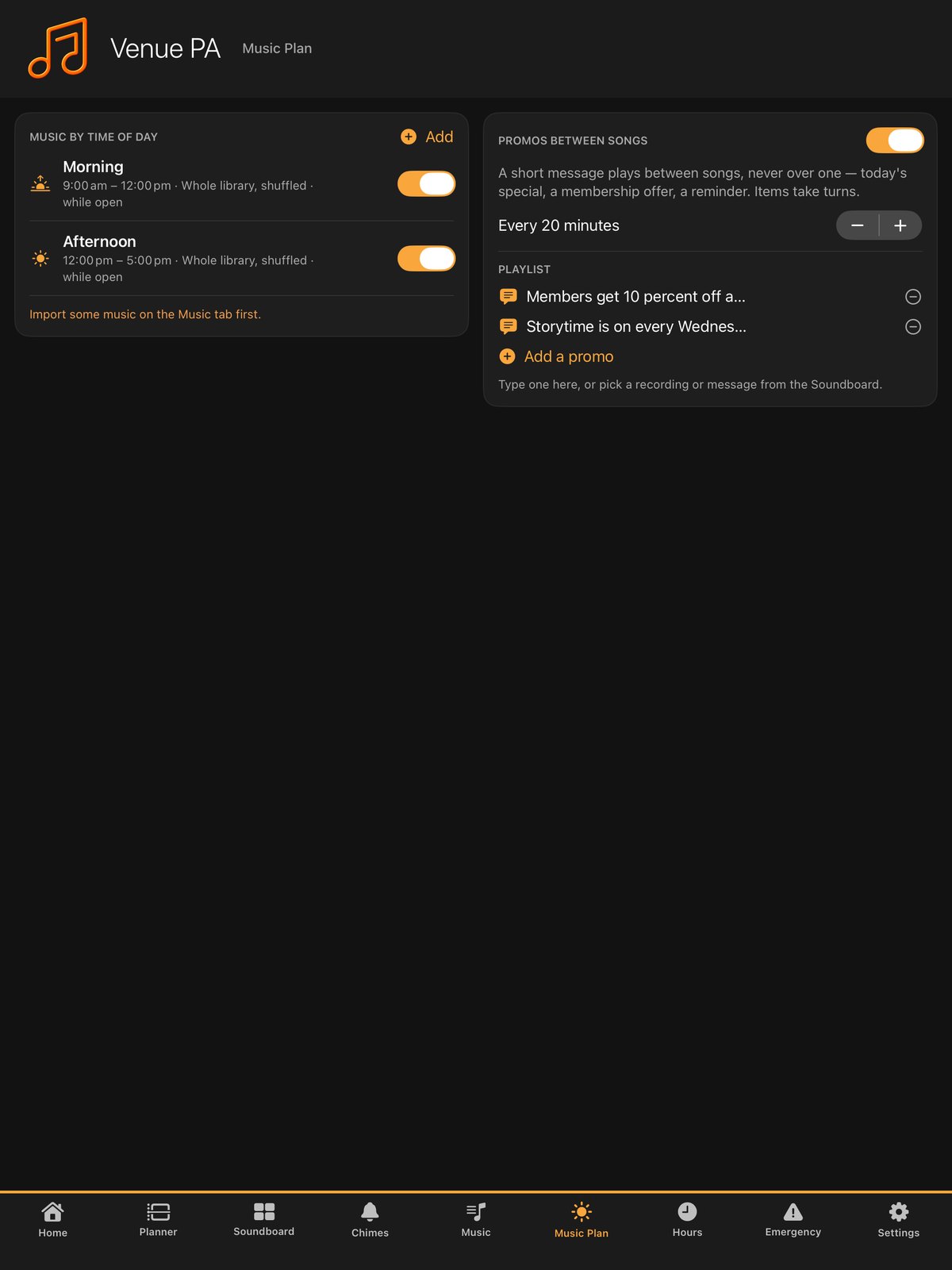
Your own music files fully offline, or Apple Music, Spotify and internet radio. Schedule any of them by day and time. Music ducks for an announcement and resumes by itself.
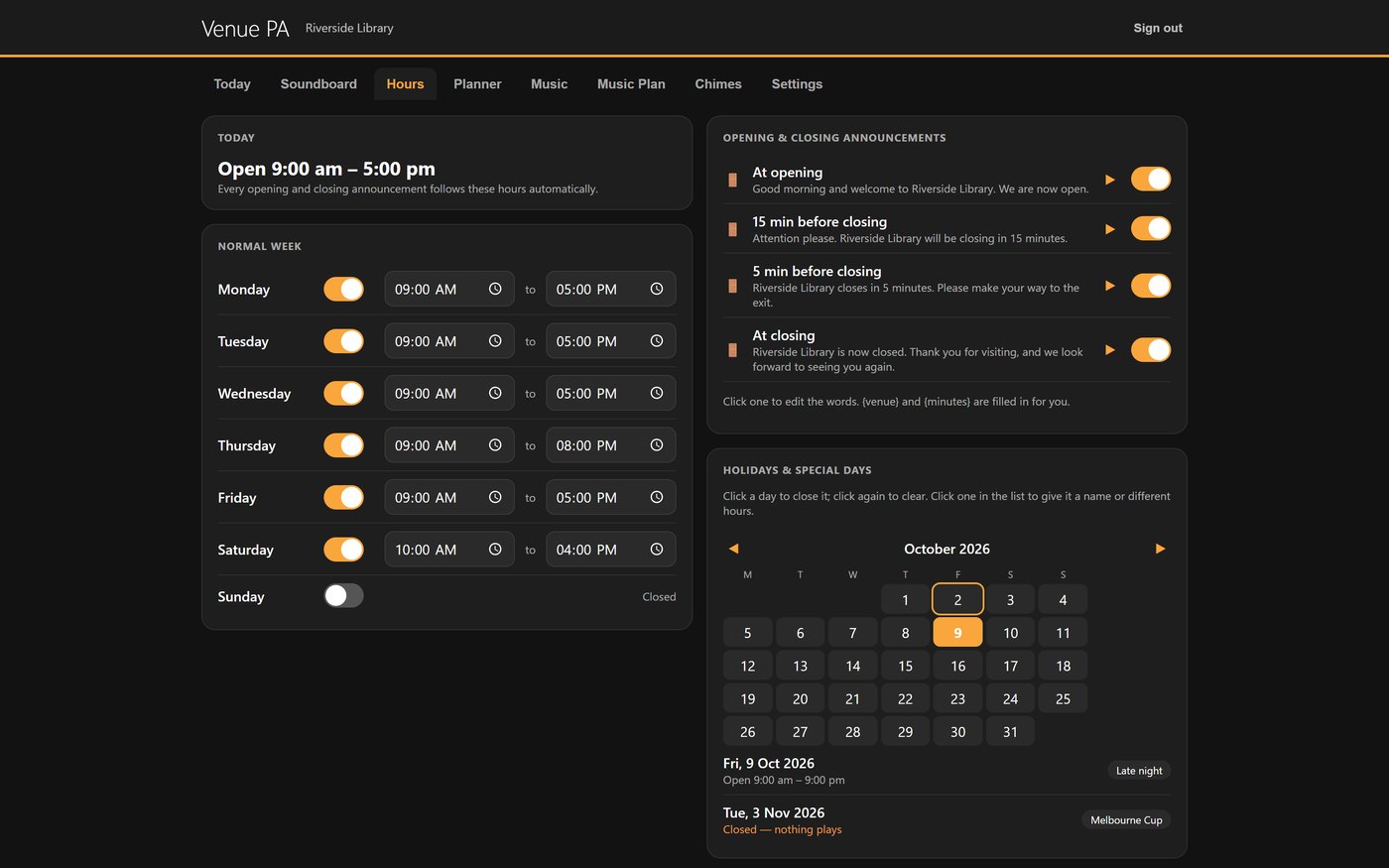
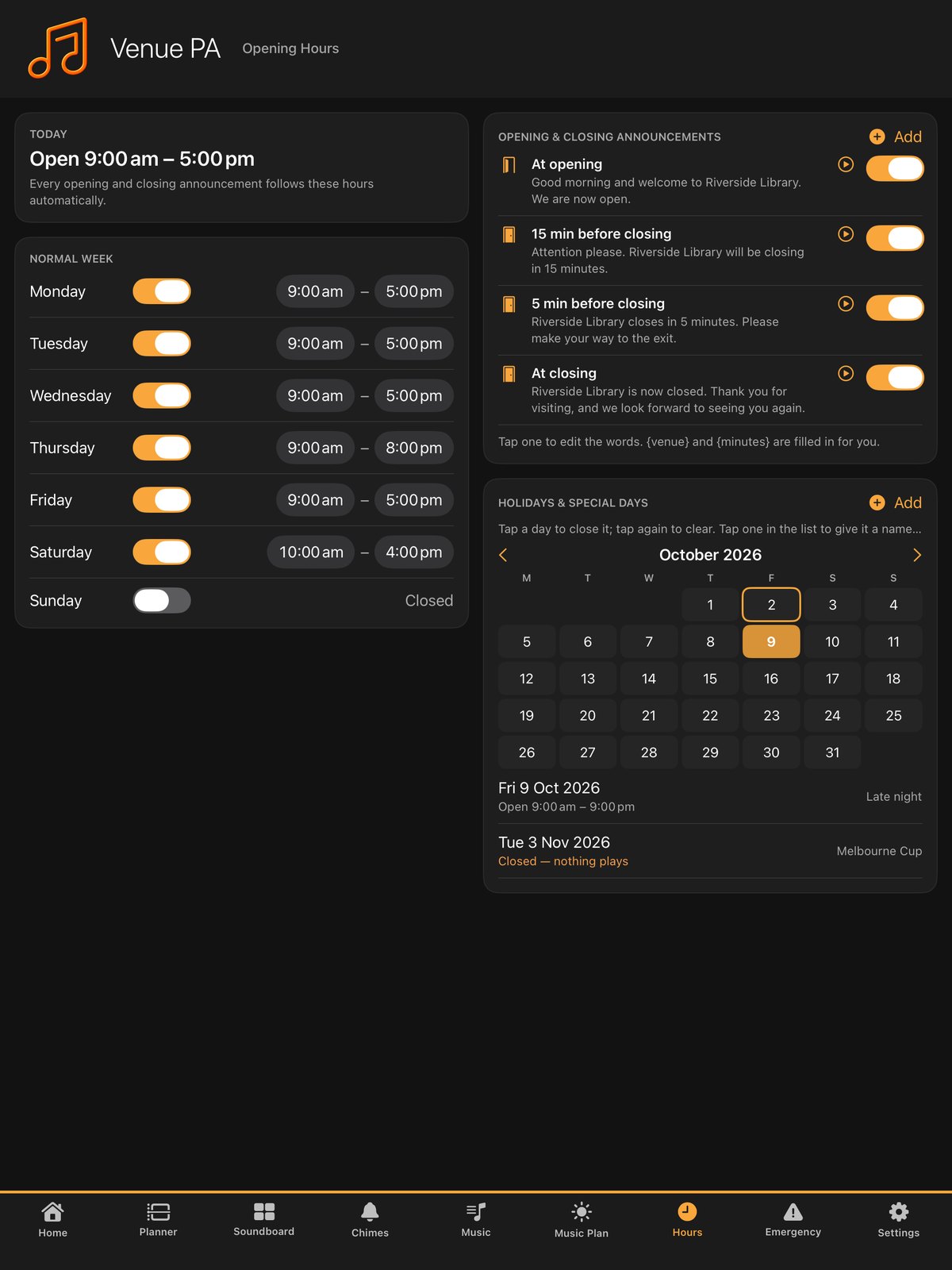
Build the week once. Change one date without touching the routine, skip a single day, or mark whole periods as quiet days so nothing plays at all.
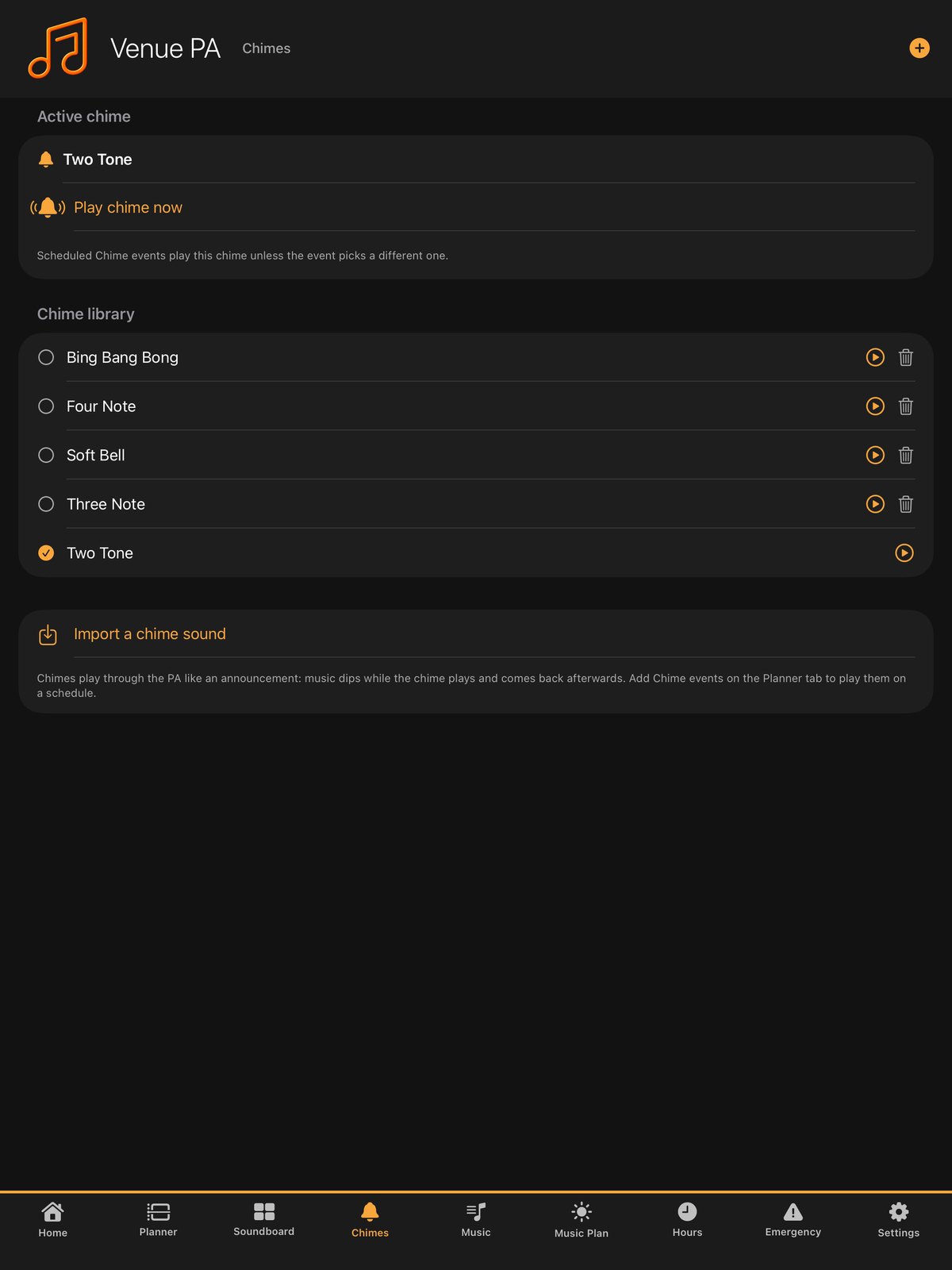
A proper bell library for sites that run to a bell: class changes, shift changes, closing warnings. Ring one manually at any time.
No cloud account, no server, nothing to break when the internet drops. The timetable, your recordings and your own music keep playing regardless.
One audio lead from the iPad to your amplifier's line input, and a charger. Nothing is installed on the amplifier.
Add announcements, messages, bells and music to the days and times you want them. Most venues are done in fifteen minutes.
Staff install the free remote and enter the six-digit code once. It reconnects by itself from then on.
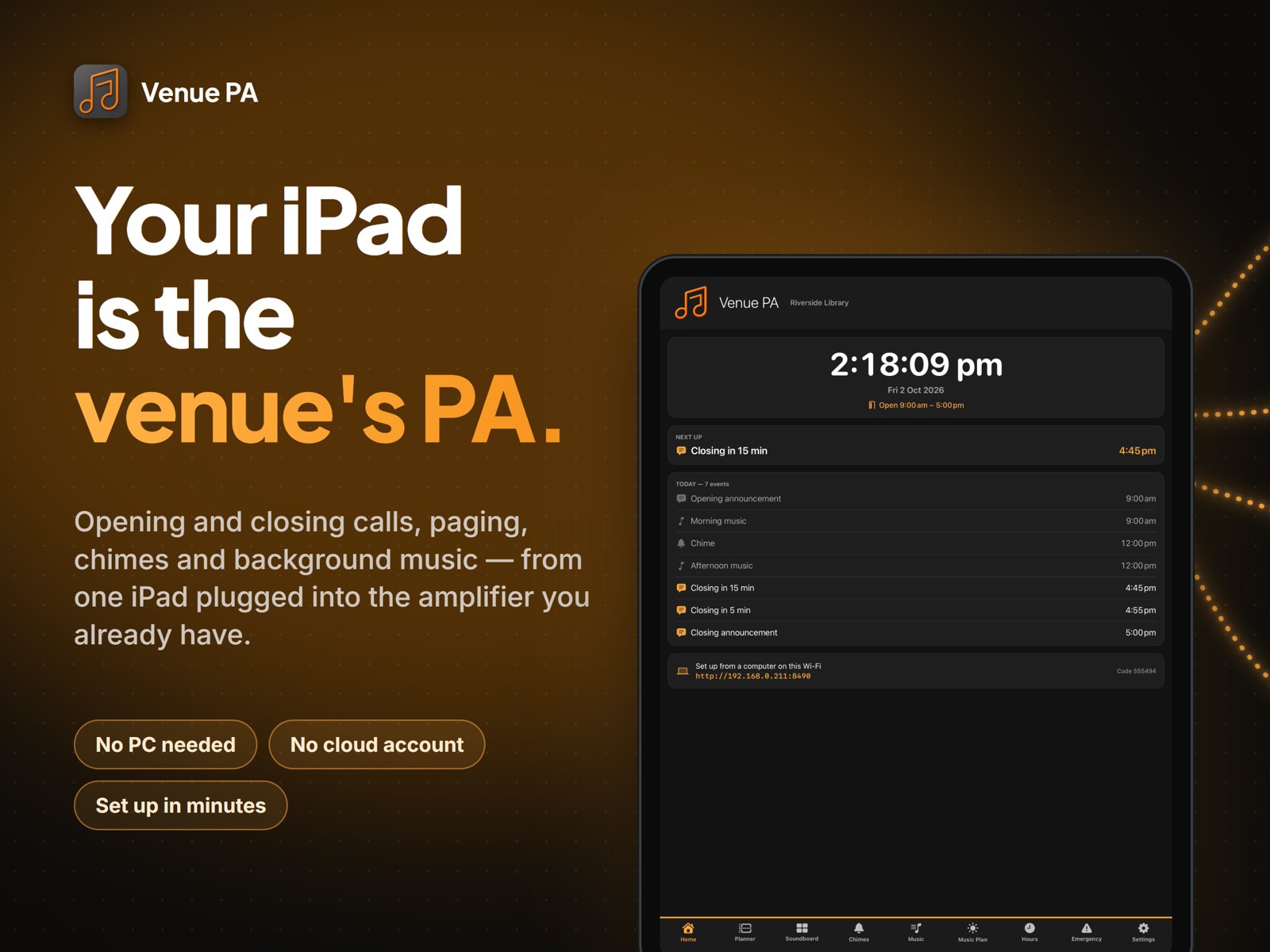
The iPad becomes a clean venue display when idle. Everything runs on schedule until you change it.
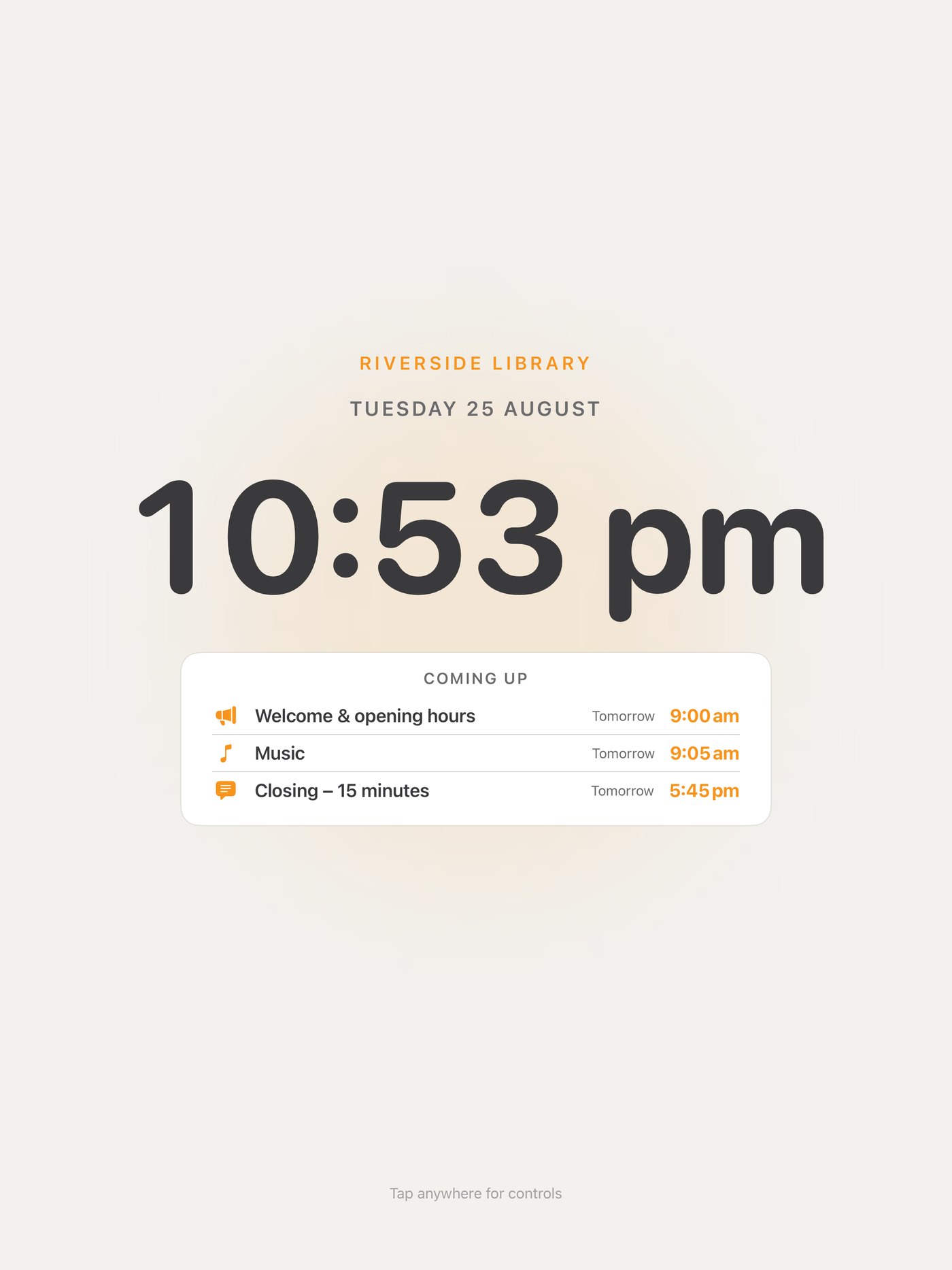
After a minute untouched the iPad becomes the venue display: your venue's name, a large clock and what's coming up. Any tap brings the controls back.


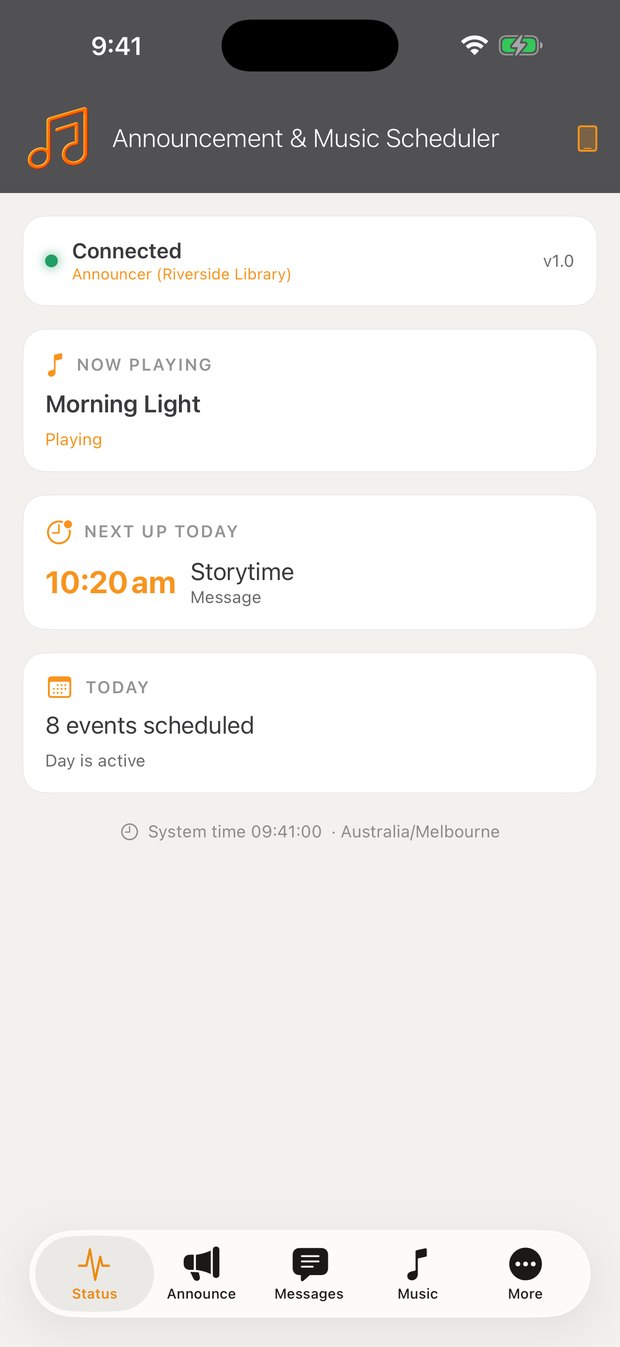
Announcer Remote finds the iPad on your Wi-Fi, pairs once with a code, then reconnects itself forever after. Record and play an announcement from the far end of the building without walking back to the rack.


The iPad plugs into the amplifier's line input, exactly like any other audio source. No network changes, no software on the amplifier.
One 3.5 mm aux lead to the amplifier's line input. The charging port stays free for the normal wall charger.
Add a USB-C to 3.5 mm audio adapter with charging pass-through (about $20) so the iPad plays and charges through the one port.
Anything on iPadOS 15 or newer — the standard iPad from 2017 onward, iPad mini and Air from 2019, and every iPad Pro. A good second-hand iPad does the job perfectly.
Any iPhone on iOS 15 or newer, on the same Wi-Fi. Free, unlimited, no accounts.
Free to download with a 7-day trial, everything unlocked. No per-user fees and no extra hardware beyond an iPad. The staff remote is free for as many phones as you like.
No. The timetable, your recorded announcements, spoken messages, bells and your own music files all run entirely on the iPad. Only Apple Music, Spotify and internet radio need a connection.
Yes. The free remote pairs once with a six-digit code, then any staff member can record an announcement in their own voice or type a message for the announcer voice to read, and play it over the PA from anywhere on site.
Both, plus internet radio and your own music files. Schedule any of them by day and time. Music ducks automatically for an announcement and resumes afterwards. Spotify needs a Premium account on the iPad.
Tap the dates on the Quiet Days calendar and those days stay completely silent. Your weekly timetable is untouched and simply resumes afterwards.
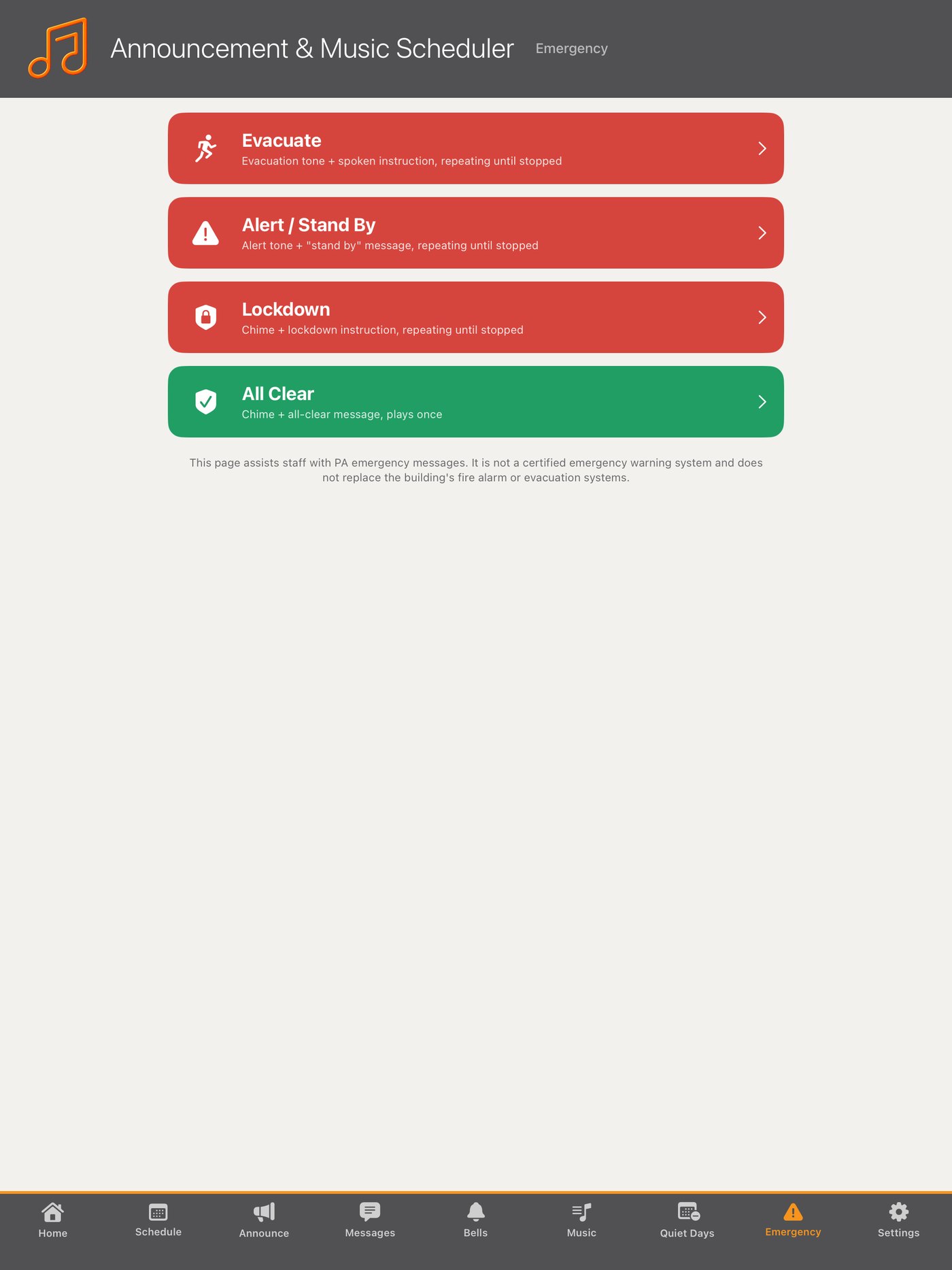
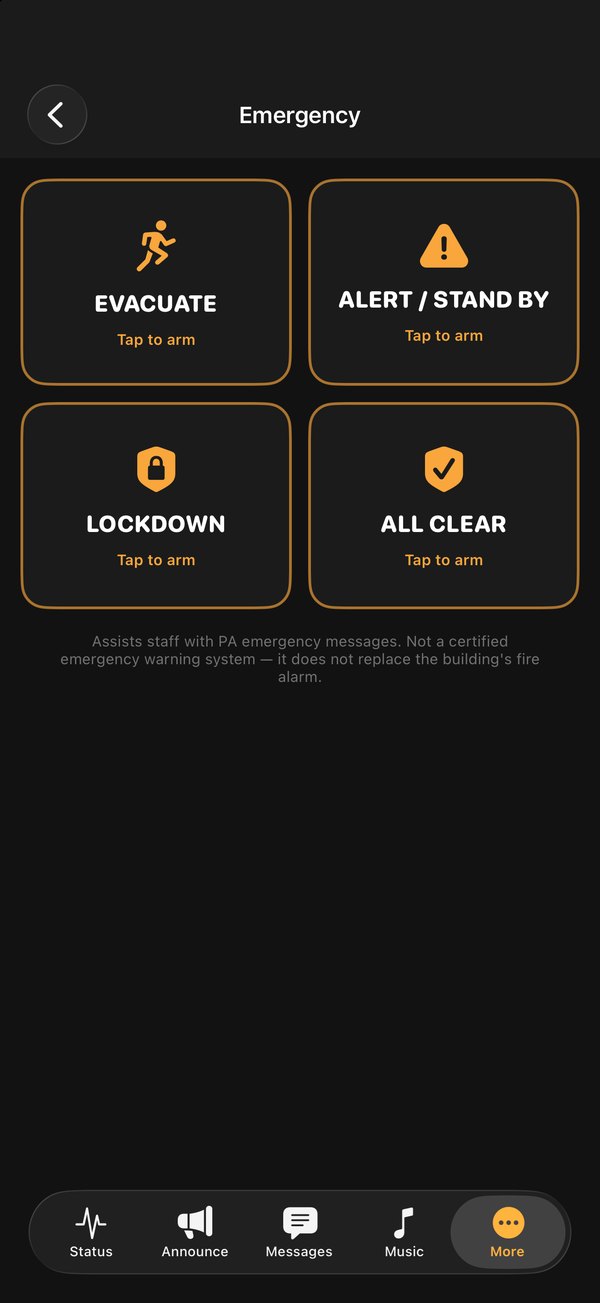
There's an Emergency page with Evacuate, Alert, Lockdown and All Clear tones and spoken instructions that loop until stopped, and it silences everything else while running. It's a staff assist tool, not a certified fire or life-safety system, and it doesn't replace your building's alarm.
The iPad can be PIN-locked to the venue display, phone access needs the pairing code, and Apple's Guided Access can seal the iPad completely.
None. There are no accounts and no cloud — your schedule, recordings and music stay on your own devices. See the privacy policy.
Install it on an iPad, build the week once, and it runs itself from tomorrow.
Read the manual